Hybrid meetings, with some people in the room and others joining remotely, have become the new normal for a lot of companies. The problem is that many meeting rooms still rely on a laptop and its built-in speaker, which leaves remote participants struggling to see or hear clearly.
Three essentials for a modern meeting room
- Camera: needs to capture the whole room clearly, ideally with a wide angle so everyone at the table is visible, not just whoever's sitting closest to the laptop
- Speaker: makes sure remote participants are heard clearly across the whole room, not just by whoever's nearest the laptop
- Wireless microphone: picks up everyone in the room clearly, especially important in larger rooms where people are sitting far from the main device
Why wireless makes such a difference in a meeting room
Wireless mics and speakers get rid of the classic meeting room headache, cables sprawled across the table, seating limited to wherever the cable reaches, and the hassle of resetting everything whenever the room layout changes. Participants can sit anywhere without sacrificing audio quality.
Matching the setup to room size
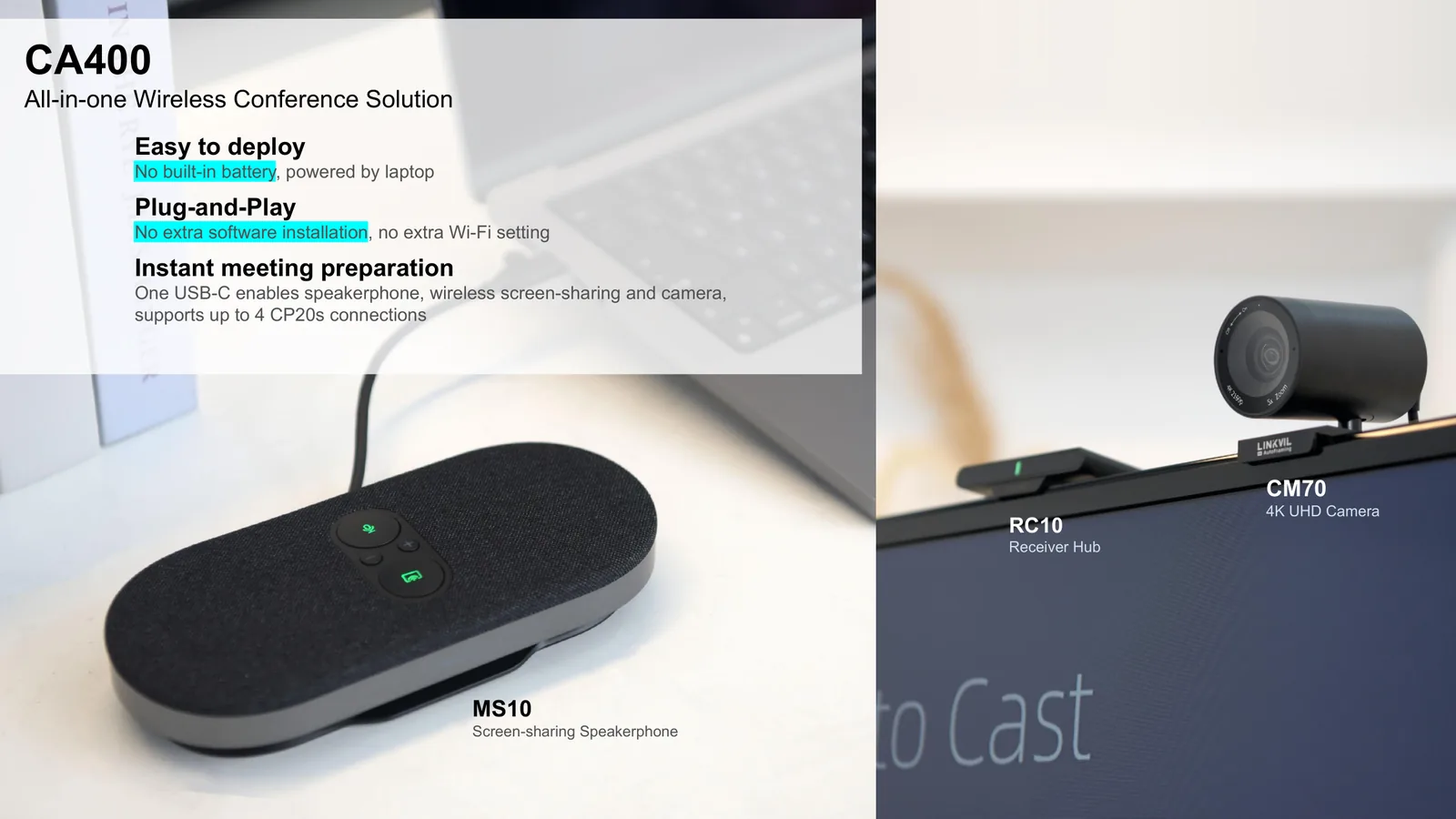
Small meeting rooms (4 to 6 people) usually work fine with one all-in-one device combining camera, speaker, and mic, such as the Linkvil CA400 (4K, with a built-in camera, mic, and speaker) that just plugs in over USB-C. For larger rooms, the CA600 adds a touchscreen, an Android system, an ethernet port, and mic pickup up to 6 meters, and can pair with CP20 screen-sharing pods (up to 4 units) so people can present in turn without swapping cables.
Making sure it works with your video platform
Check that whatever equipment you choose is compatible with the video conferencing platform your company already uses (Zoom, Google Meet, Microsoft Teams, or an internal SIP-based platform). Most modern devices support plug-and-play USB connections that work across nearly every platform without special drivers.
An investment that pays for itself
Compared to the time lost and misunderstandings caused by repeatedly poor audio or video, a decent video conferencing setup usually pays for itself quickly, especially for companies with teams that regularly meet across cities or with external clients.
Want to upgrade your hybrid meeting experience?
Tell us your room sizes and count, and our team will recommend the right setup.