There is no single right way to log guests into your Wi-Fi. The best method depends on whether you want speed, marketing data, or accountability. Portalista supports several authentication methods, and you can mix them across sites and policies.
The main options
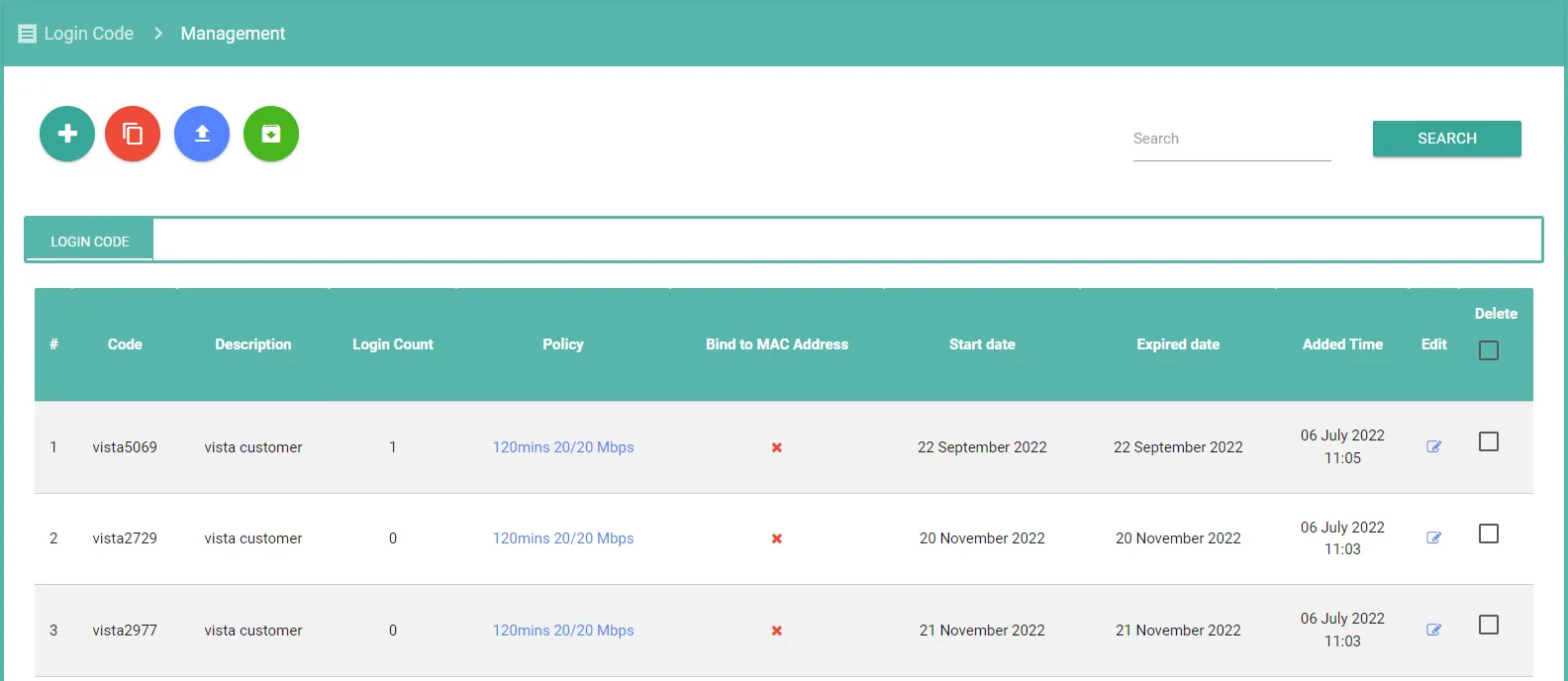
- Voucher or login code: pre-generated codes with a time or data limit, ideal for paid Wi-Fi and reception desks.
- Social login: sign in with a social account to reduce friction and capture basic profile data.
- SMS OTP: send a one-time code by SMS to verify a real phone number, with SMS gateway integration.
- Registration form: collect name, email, or ID before granting access, useful for lead generation and compliance.
Tie each method to a policy
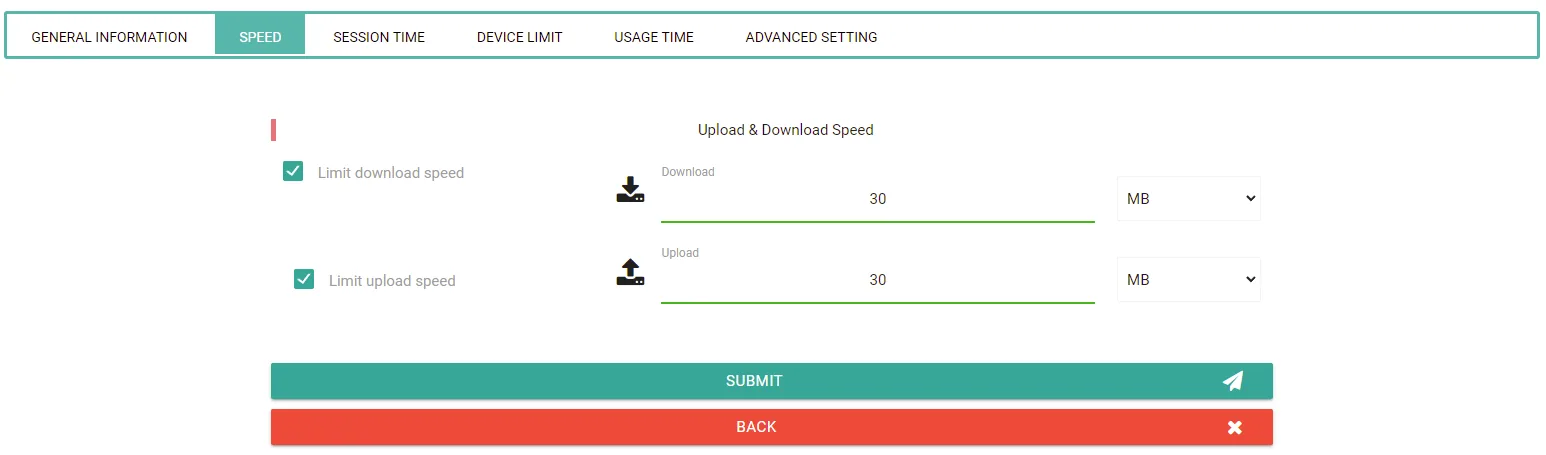
Authentication is only half the story. Each method can map to a different access policy, so you control speed and quota per user type. A guest on a free tier might get a slower plan, while a paying customer on a voucher gets a faster one.
How to choose
Use vouchers when access is paid or must be limited per visit. Use social login or a form when the goal is marketing data, which pairs well with social login as a marketing strategy. Use SMS OTP when you need a verifiable identity for accountability. For paid hotspots specifically, see Wi-Fi voucher systems for cafes and restaurants.
Need a Portalista hotspot solution?
Talk to our team about the specific needs of your project.